

OzPrompter listens to your voice, highlights the word you are reading and scrolls exactly at your pace. Look at the camera and speak naturally on Zoom, Teams and Meet calls.
Windows 10 / 11 · English & Turkish · No credit card needed
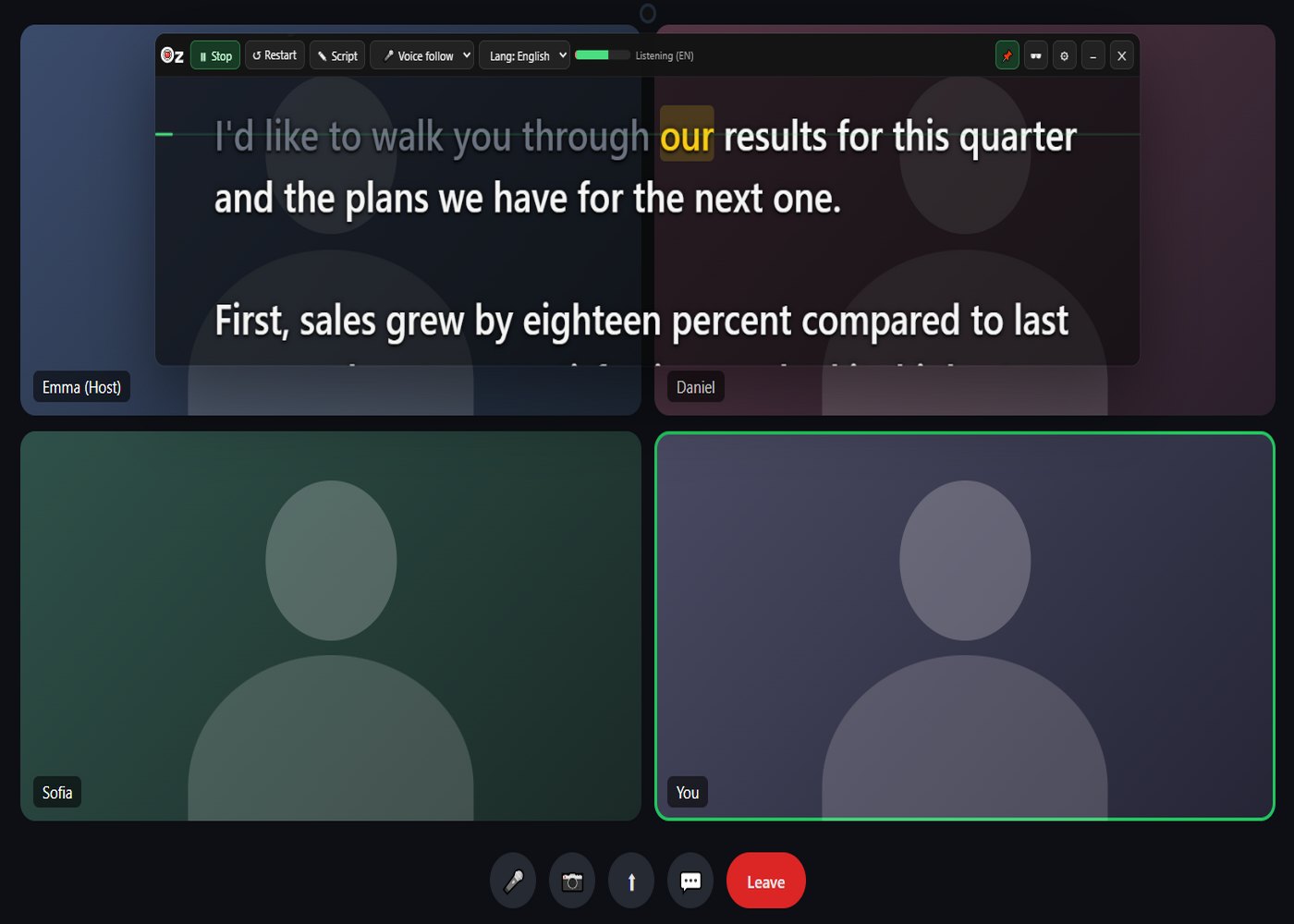
Classic teleprompters scroll at a fixed speed and you have to keep up. OzPrompter waits for you instead: pause and it pauses, speed up and it speeds up. The word you are reading is highlighted and what you have read fades, so you never lose your place.
Try it free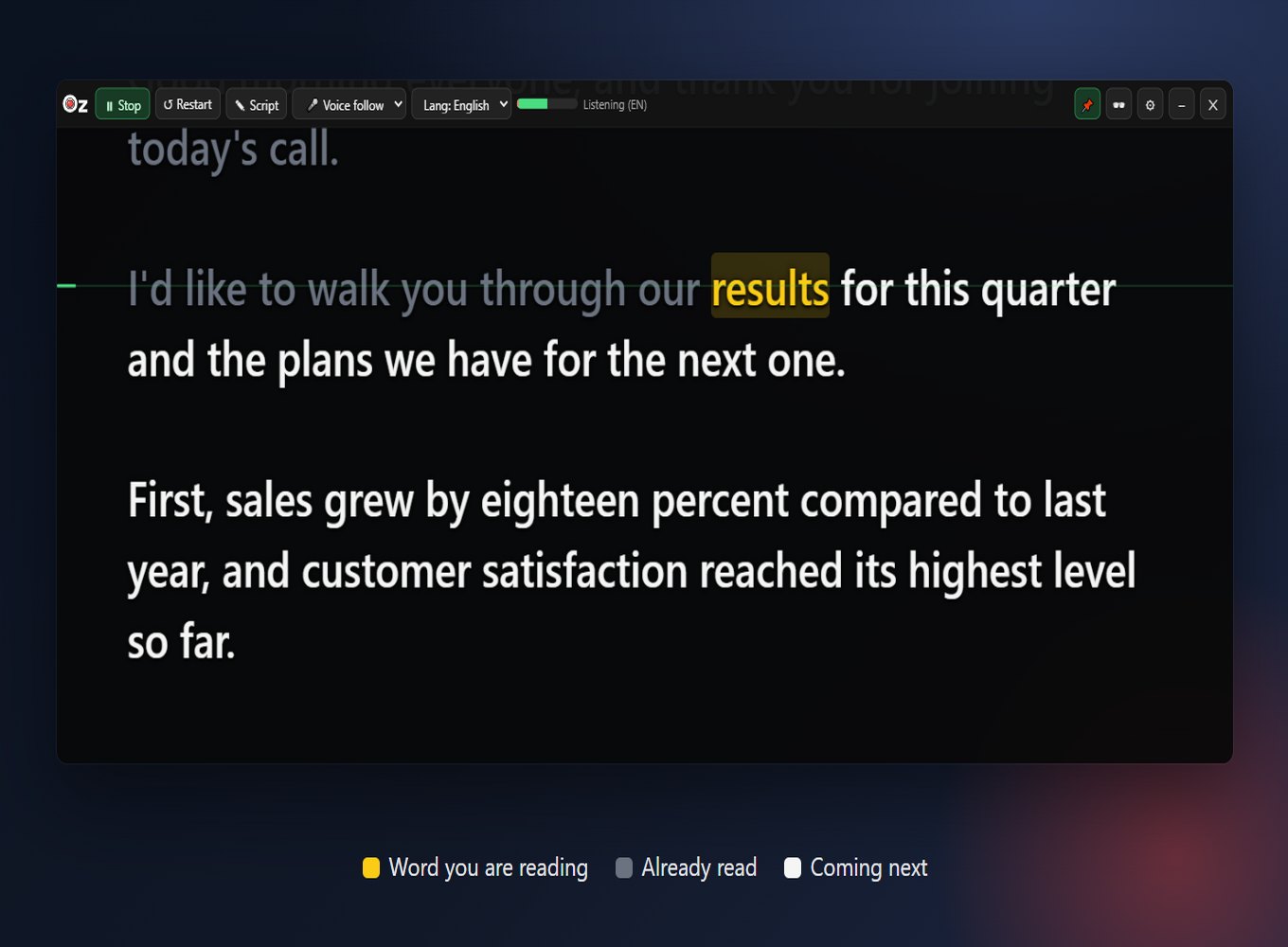
Finds the word you are reading instantly and scrolls at your pace.
Only speech that matches your script counts; other voices in the meeting do not move the text.
Speech recognition runs on your computer. Your voice is never sent anywhere.
Detects your script's language and follows you word by word in both.
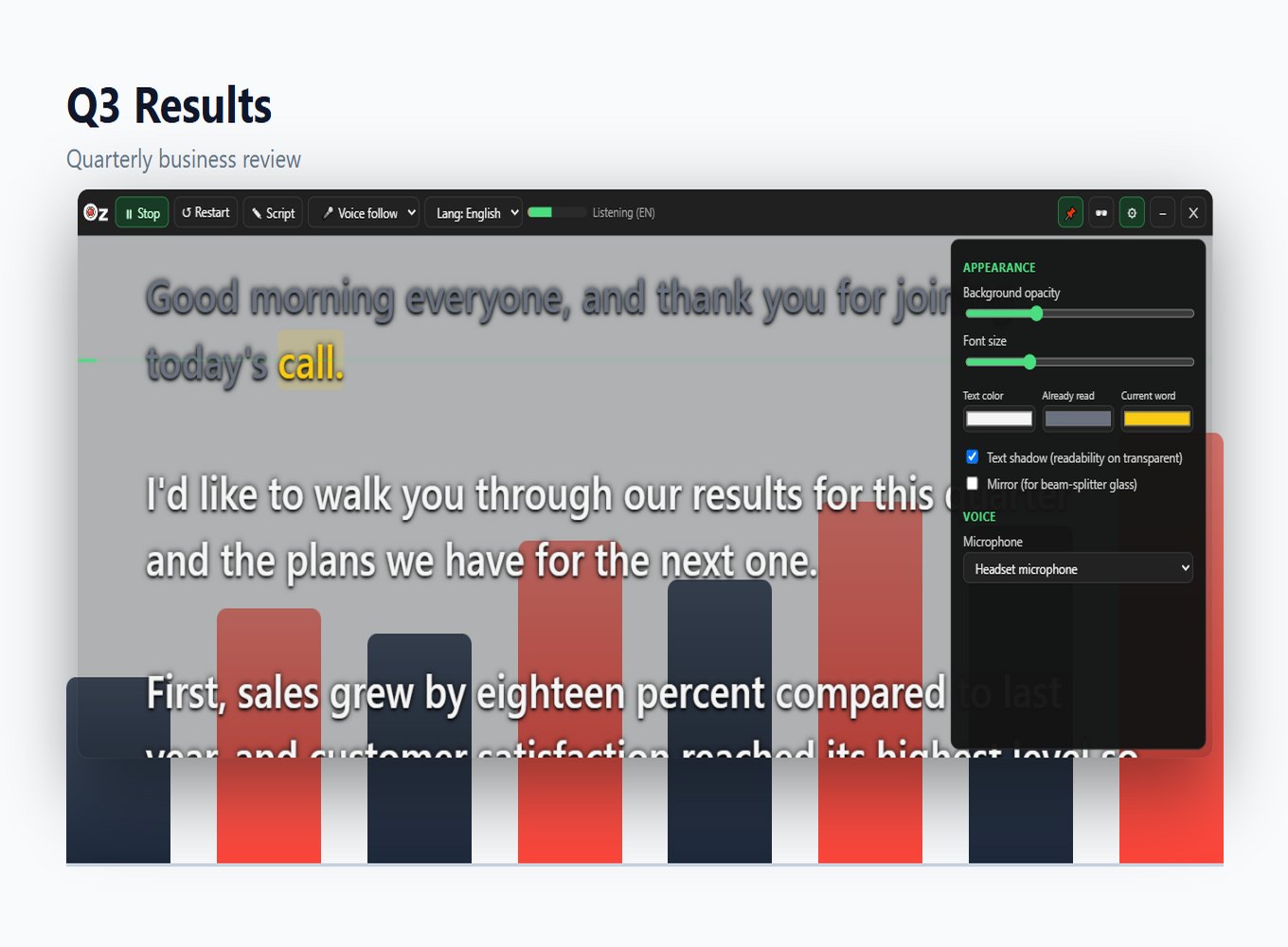
Place the transparent, resizable, always-on-top window right below your camera. With "Hide from screen sharing", OzPrompter stays invisible to others even when you share your screen.
day free trial
computers per license
offline speech recognition
From installing to your first presentation in minutes. No setup required.
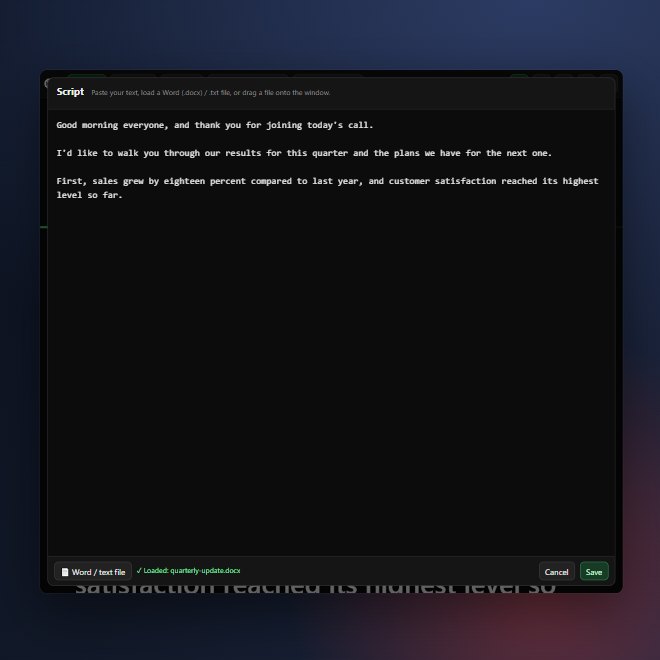
Paste it, or drag your Word (.docx) / text file onto the window.
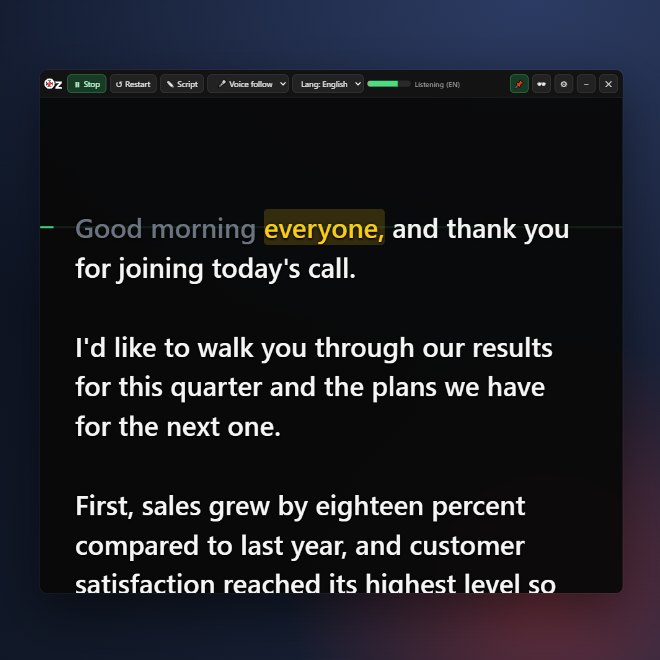
Use Ctrl+Alt+Space to start and stop, even while Zoom is in front.
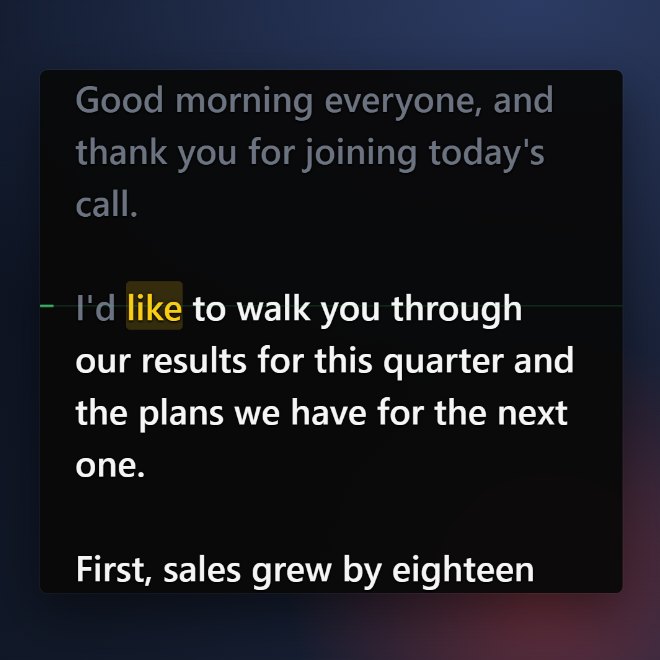
The word you are reading is highlighted and the script moves with you.
From fully transparent to fully opaque; a text shadow keeps it readable.
One click hides it from the screen you share; only you can see it.
Load .docx and .txt files, or simply drag and drop them onto the window.
Start, stop, go back, hide: works even while another app is in front.
Font size, line spacing, colors and the reading line are all yours to set.
Click any word to continue from there. Mirror mode for beam-splitter glass.
One-time payment · no subscription
Need licenses for your team? Contact us
No. OzPrompter only reacts to speech that matches the next words of your script; unrelated talk does not move it. We recommend headphones for the best result. If you use speakers, "Measure my voice" in Settings tunes the voice gate to you.
Speech recognition runs entirely on your computer. You only need the internet once, to start the trial and to activate your license.
No. Your voice is not recorded and never leaves your computer.
One license works on 2 computers (for example a desktop and a laptop). When you switch computers, use Settings → License → "Remove license from this PC" to move it.
All features are unlocked for 7 days. When the trial ends, enter your license key and carry on; your script and settings are kept.
No. All future updates are included in the lifetime license.
Windows may show "Windows protected your PC" for newly published apps. Click "More info" and then "Run anyway" to continue.
Currently only Windows 10 and 11 (64-bit) are supported.
Download, install and give your first presentation. No credit card needed.
Download for WindowsWindows 10 / 11 (64-bit) · about 180 MB · microphone required
Questions, ideas or a license request for your team? Send us an email and we will get back to you shortly.
Send an email